AI is often framed as something that replaces creativity. At SeeingHappy, we see it differently.
When used intentionally, AI can act as a bridge between what we noticed and what we meant to express. Not a shortcut. Not a substitute. A tool that supports agency, imagination, and reflection.
This guide was created to help photographers of all experience levels understand the many ways AI can work with a photograph, from subtle edits to imaginative extensions, while keeping human intention at the center of the process.
A helpful way to think about it is this:
Photo you took → photo you meant
Below are 11 SeeingHappy-friendly ways AI can support that journey:
1. Improve the Photo you already Took
(enhancement)
AI can help a photo better match what you felt in the moment.
Common uses include:
● Fixing exposure that is too dark or too bright
● Boosting clarity or reducing haze
● Light sharpening, especially for faces or animals
● Reducing noise or grain in night or indoor shots
● Correcting color or white balance
● Upscaling or increasing resolution
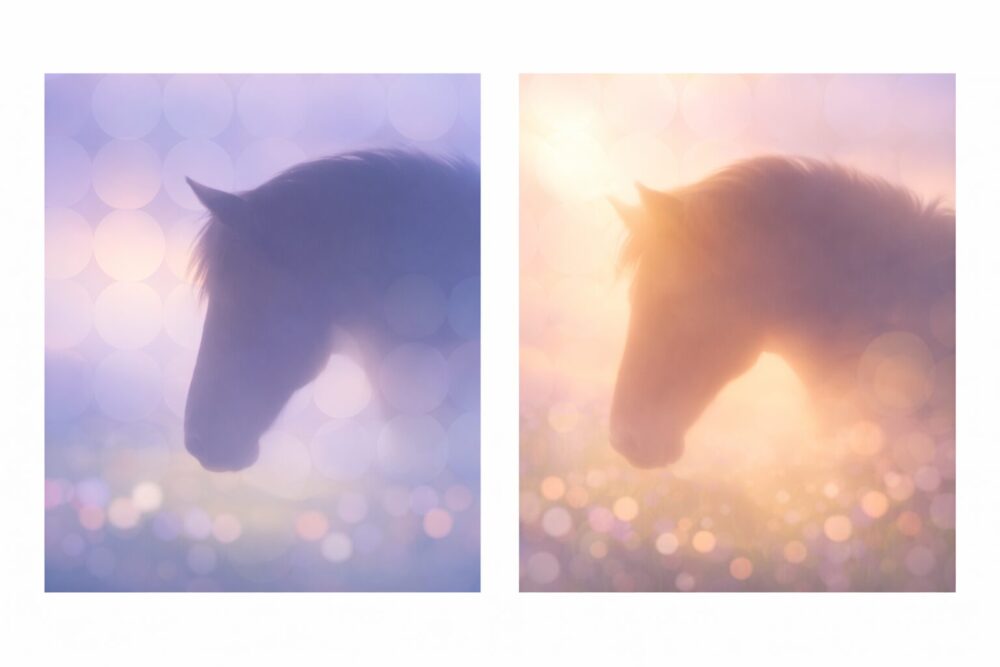
Example:
Make the horse subject crisp, soften the background, and warm the light.
2. Reframe and Strengthen Composition
(edit and crop)
AI can help you see what matters most in the image.
This includes:
● Suggesting stronger crops
● Straightening horizons
● Removing distractions near the edges
● Guiding attention more clearly toward the subject
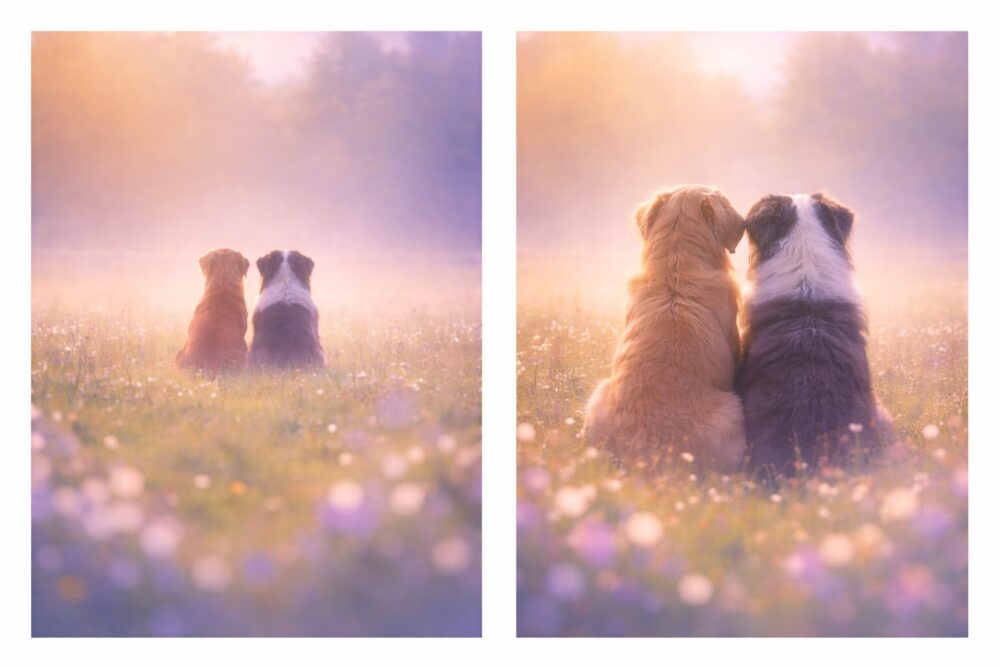
Example:
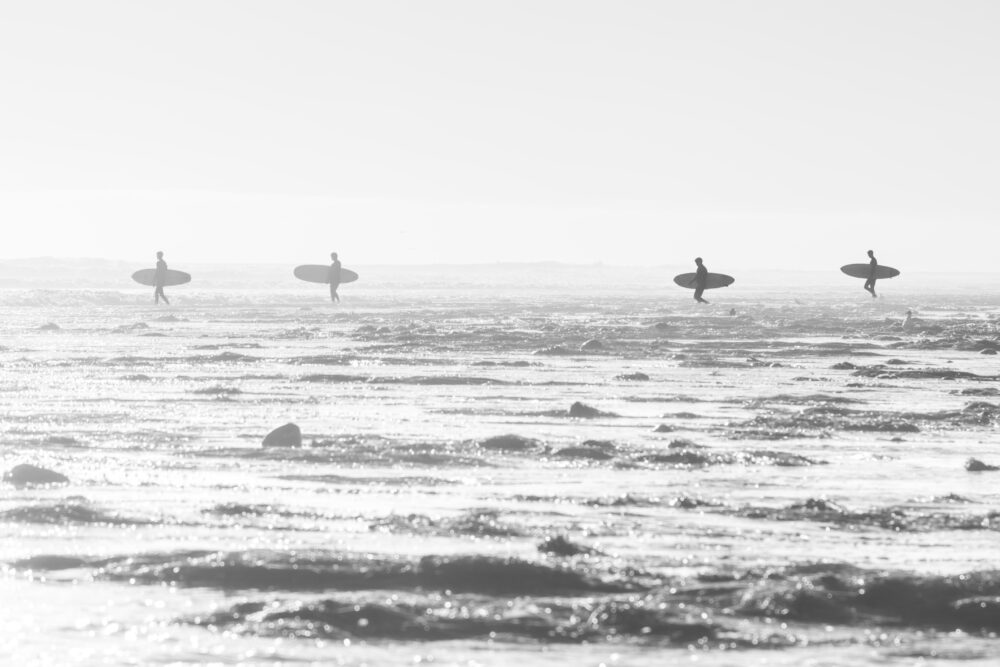
Crop so the subjects feel like the story, not in the distance.
3. Remove or Replace Objects (cleanup)
AI can help:
● Remove unwanted people or objects
● Remove power lines, trash cans, or signs
● Remove blemishes or dust spots
● Replace skies or backgrounds, depending on the tool
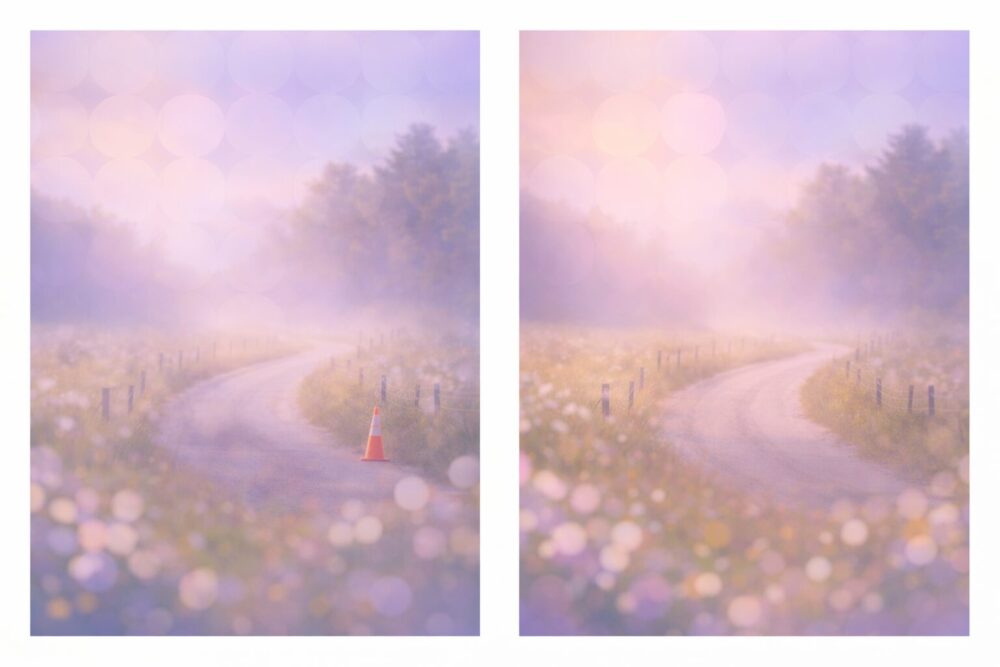
Example:
Remove the bright orange cone in the corner.
4. Add Elements or Extend the Scene (generative fill)
AI can add or extend elements already present.
Examples include:
● Adding a subtle sunbeam
● Extending a landscape beyond the frame
● Adding fog, snow, stars, or flowers
● Creating more breathing room around a subject
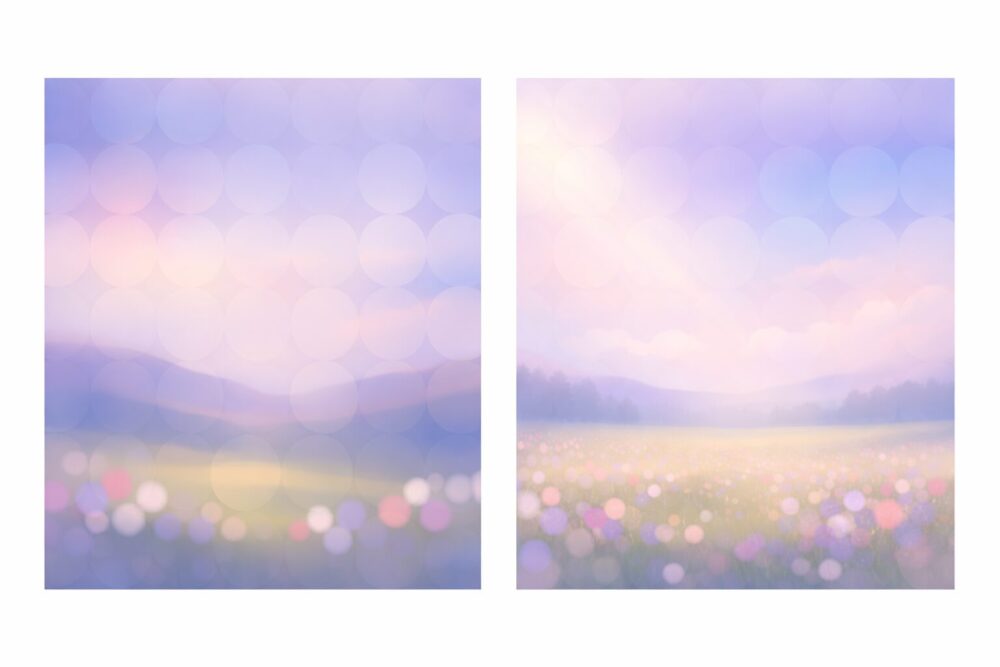
Example:
Extend the meadow so the image has more space.
5. Change the mood or style (tone and cinematic looks)
AI can help translate emotion into visual language.
Common prompts include:
● Make it feel like morning
● Make it dreamy
● Make it moody and cinematic
● Make it soft and nostalgic
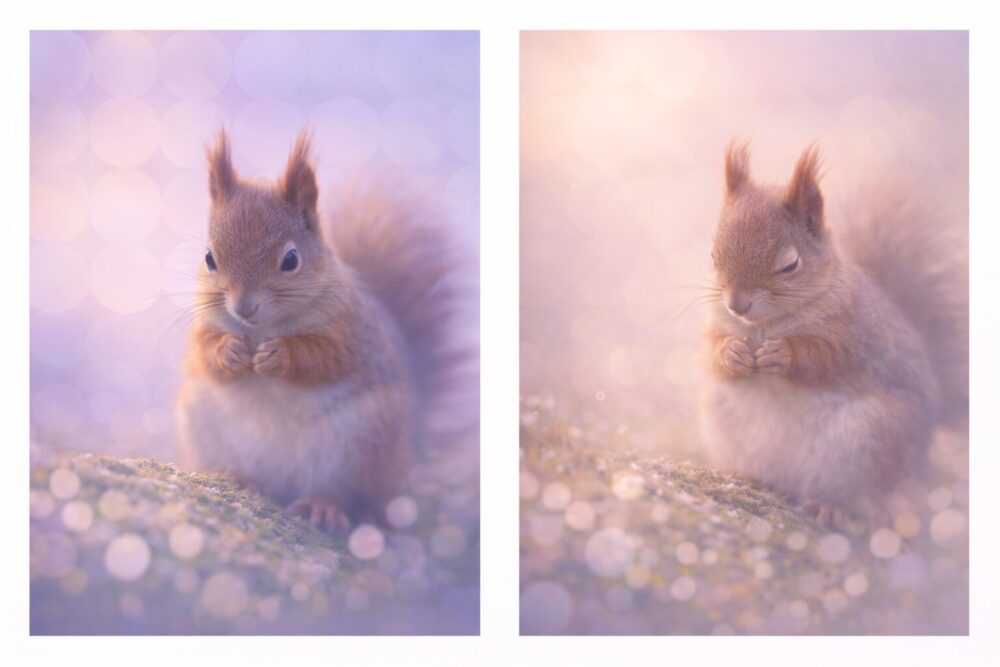
Example:
Make this feel quieter and more tender.
6. Generate variations of the Same Photo (exploration)
This is one of the most creative uses of AI.
You can:
● Explore multiple color grades
● Try alternate crops or depth-of-field looks
● See different interpretations of the same moment
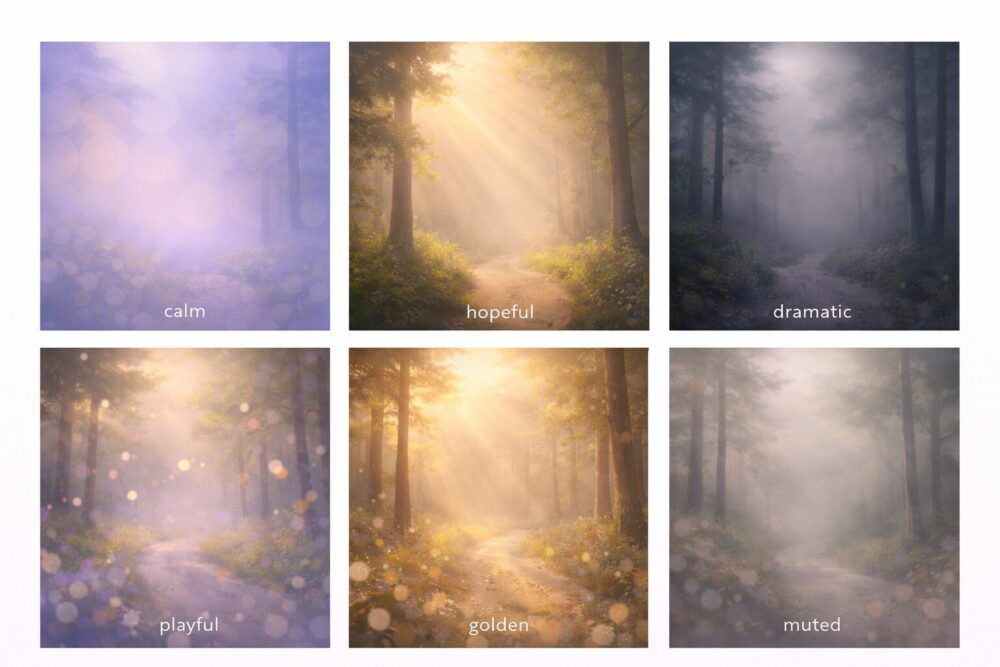
Example:
Give me six versions: calm, hopeful, dramatic, playful, golden, and muted.
7. Ask AI to Merge two Photos into a New Image
AI can help you merge two separate photos into a single, cohesive image that feels intentional rather than stitched together.
The most important principle is this:
Match intention before matching pixels.
Before asking AI to merge images, pause and reflect:
● What is the emotional role of each photo?
● Which image carries the main meaning, and which one extends or supports it?
When prompting AI, describe the relationship between the images, not just the mechanics of the merge.
Effective prompts focus on:
● Which photo should act as the anchor or base image
●How the second image should appear, such as subtle, atmospheric, or integrated into the background
●The mood or feeling the combined image should express
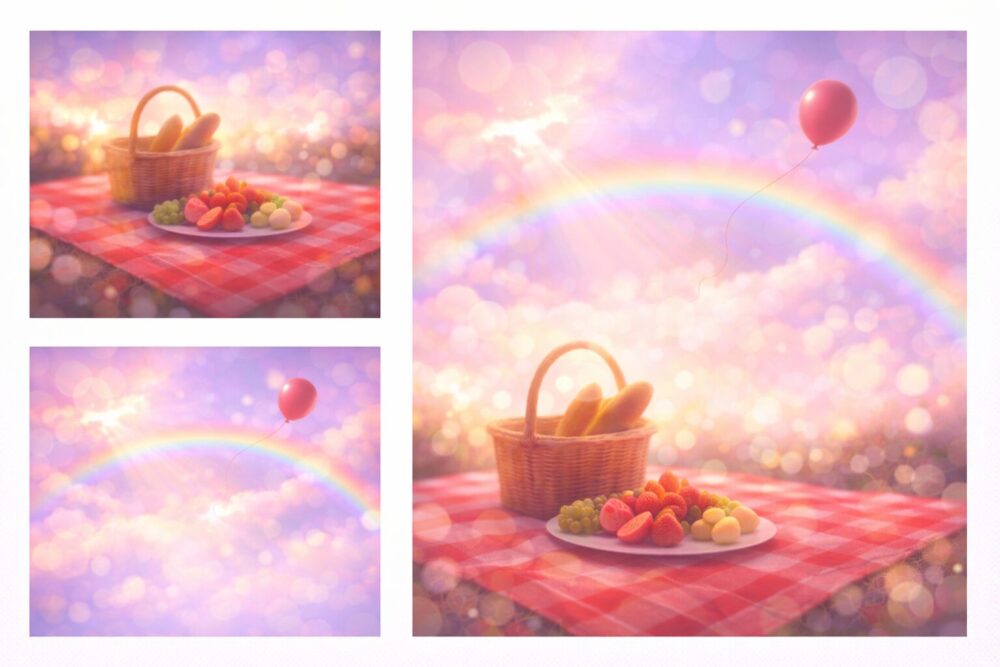
Examples:
●Merge these two photos into one image. Keep the picnic photo as the primary scene, and blend the sky from the second photo so it feels like an extension of the same moment.
●Combine these images into a single photo that feels calm and expansive, with the second image supporting the mood rather than competing for attention.
The most successful AI-merged images feel less like technical composites and more like imagined continuations, as if the moment expanded beyond what the camera originally captured.
8. Turn your photo into words (meaning-making and reflection)
AI can support reflection by helping you:
● Write captions
●Create short stories
●Generate journaling prompts
●Write alt text for accessibility
●Create gratitude reflections
Examples:
Write a reflection on what the symbolism in the photo says about freedom.
9. Learn Photography through Feedback and Coaching
AI can act as a learning companion by helping you:
●Understand what worked and what did not
●Improve composition next time
●Suggest settings or timing for reshoots
Example:
[upload photo and ask:] How could I reshoot this photo for more impact?
10. Organize and Curate your Photo Life
AI can help with:
●Auto-tagging images
●Sorting and selecting strong shots
●Finding duplicates
●Creating themed albums such as Joy, Connection, or Light
11. Create Something New from your Photo
(design and remix)
AI can use your photo as raw material for:
●Posters and postcards
●Slides and flyers
●Collages
●Social media layouts
●Photo and quote pairings
Example:
Turn this into a simple quote card about hope.
The SeeingHappy Sweet Spot
Our favorite use of AI sits at the intersection of intention and imagination.
If your photo feels wrong but the moment was right, AI can act as a bridge.
Photo you took → photo you meant
Effective prompts often sound like:
Keep the photo realistic.
Emphasize the subject.
Reduce distractions.
Match the mood I felt: calm, freedom, tenderness.
This guide was created in support of IMAGINING WELL-BEING, SeeingHappy’s international photography and AI showcase exploring imagination, agency, and human flourishing.
AI is simply the newest tool in a long history of photographic experimentation. What matters most is the intention, reflection, and care we bring to how we use it.
If you are curious, we invite you to explore, experiment, and imagine what your photos could become.